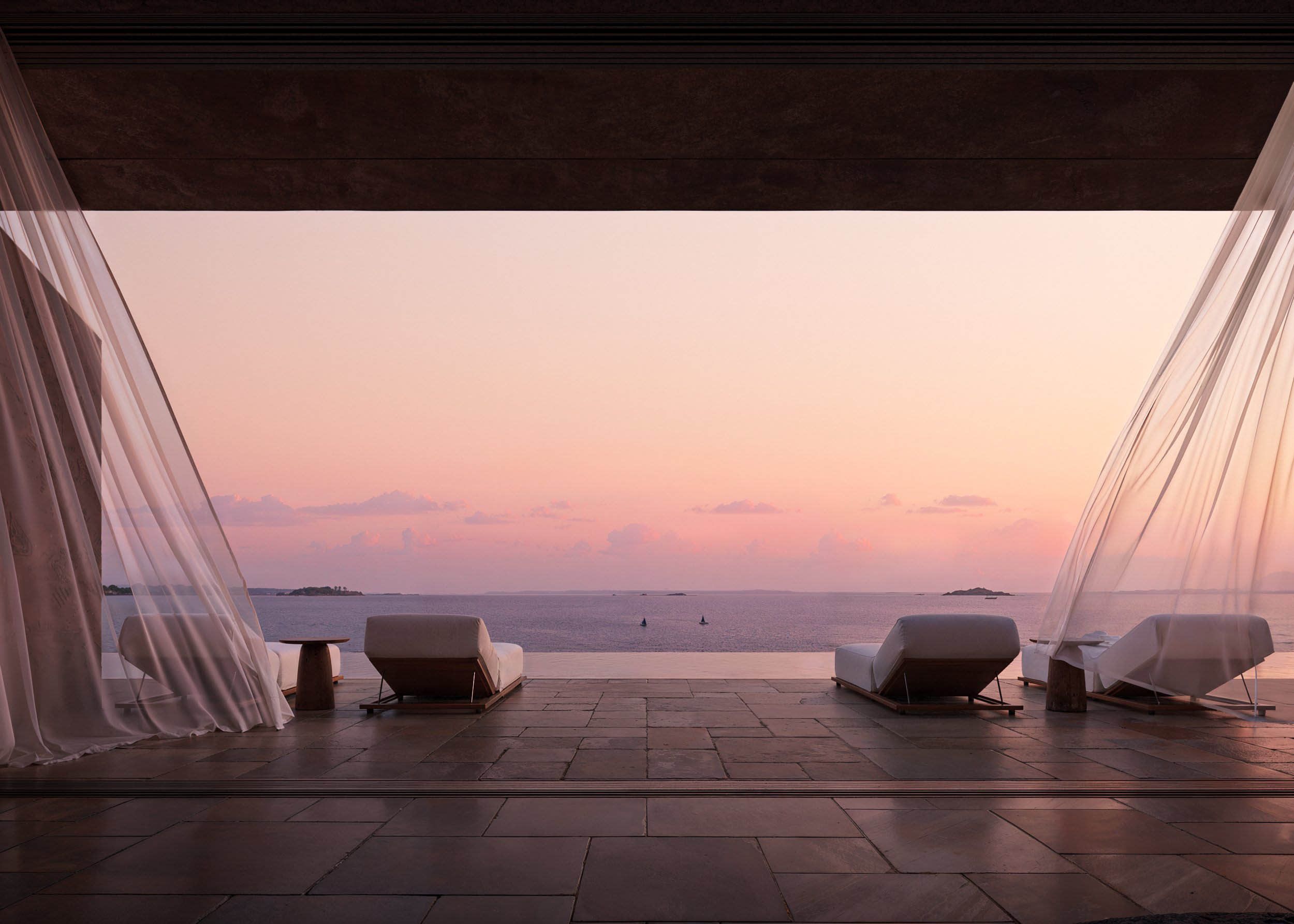
How to Use the Moodboard Tool in FeelDesign to Bring Your Vision to Life
Discover how FeelDesign’s Moodboard tool helps you visualize, organize, and refine your creative ideas. Learn how to combine colors, textures, and styles before turning your concept into a fully realized design.
What Is a Moodboard and Why It Matters
A moodboard is a powerful creative tool that helps you bring your design vision to life. In interior design, it serves as a visual roadmap — allowing you to experiment with colors, materials, textures, and inspirations before making final decisions.
That’s why FeelDesign added a built-in Moodboard feature: to help you conceptualize your ideas, organize your creative direction, and explore different combinations without the cost or commitment of real-world changes.
Why the Moodboard Is Essential in Design
Clarify your concept: It helps you refine what you truly want your space to look and feel like.
Play with combinations: Experiment with color palettes, furniture styles, materials, and lighting tones.
Stay organized: Keep all your design inspirations, AI renders, and references in one place.
Save time and cost: Test ideas digitally before committing to physical materials or decor.
Whether you’re designing a personal project or preparing for a client presentation, the Moodboard acts as your visual thinking space.
How to Use the Moodboard Tool in FeelDesign
Step 1: Access the Moodboard Section
From your FeelDesign dashboard, click on “Moodboard” in the main menu.
Step 2: Create a New Moodboard
Click the “Create New” button.
Add a title — for example, “Boho Living Room Concept” — and click Create.
Step 3: Add Images and Designs
Once your new moodboard folder appears, click on it to open.
Here, you can:
Add your uploaded room images
Save designs from your Explore Tab
Drag and drop AI-generated layouts or inspiration photos
Step 4: Refine and Build Your Visual Story
Arrange your images, adjust the layout, and mix elements until the board reflects your desired look and feel. You can easily compare styles, save your favorite palettes, or prepare presentation-ready collages for your team or clients.
Pro Tip:
You can use the Moodboard to inspire new AI renders directly within FeelDesign — turning your collected inspirations into actionable design outcomes with a single click.
F.A.Q.
What is a Moodboard in interior design?
A moodboard is a visual tool used in interior design to organize colors, materials, textures, and ideas. It helps you conceptualize and refine your creative vision before committing to real-world materials or layouts.
Why is the Moodboard important in the design process?
The Moodboard allows designers and homeowners to experiment with styles, color palettes, and materials. It helps clarify design concepts, test ideas, and stay organized without wasting time or cost on physical samples.
What makes the FeelDesign Moodboard feature unique?
FeelDesign’s built-in Moodboard integrates directly with AI tools. You can add inspirations from your Explore Tab, upload images, and connect AI-generated layouts — allowing you to turn creative ideas into actionable design plans instantly.