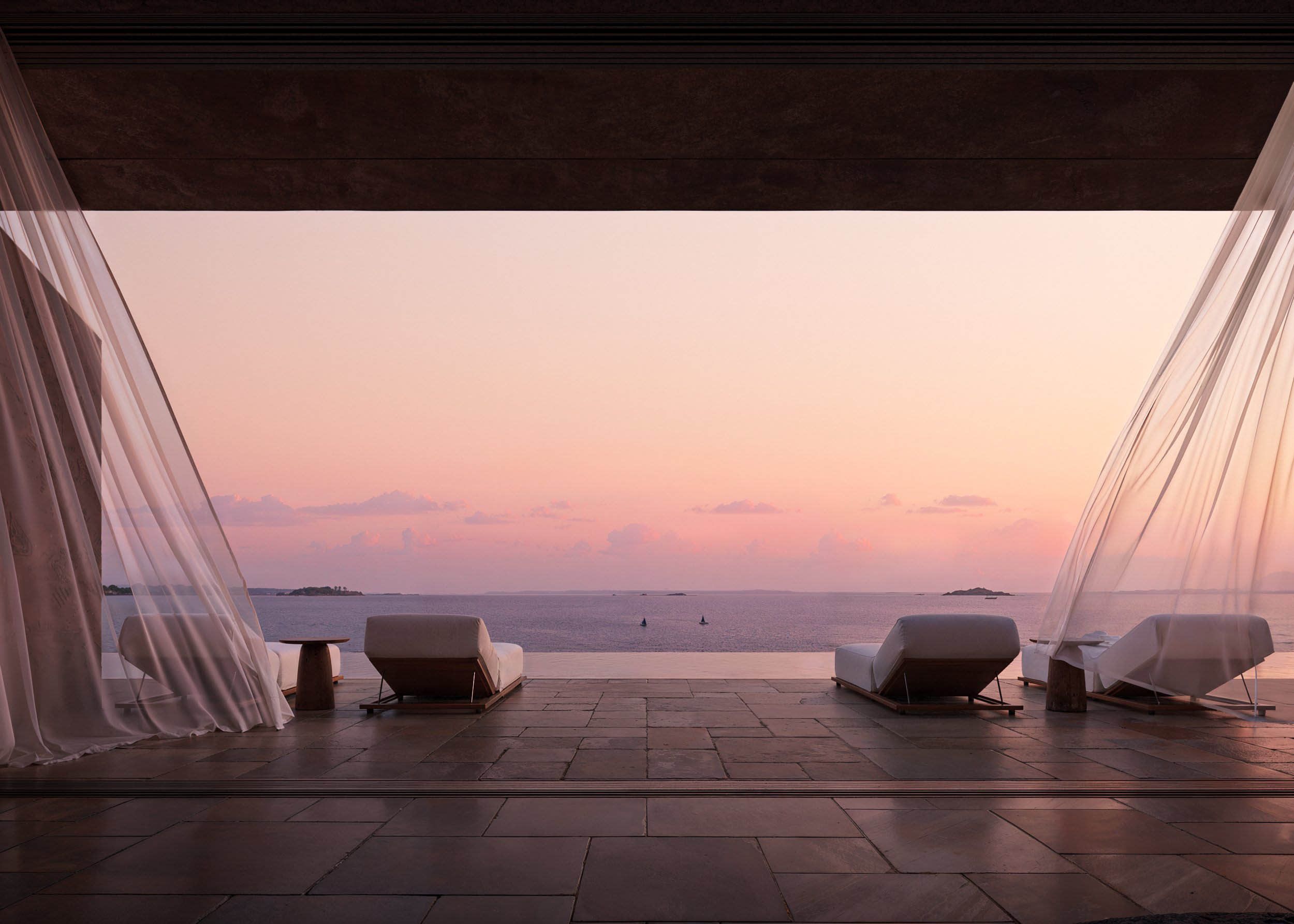
Lighting Control in AI Studio: Setting the Perfect Mood for Your Space
Master the Lighting Control feature in Feel Design AI Studio to create the perfect ambiance for any space. Discover how lighting adjustments can transform the mood, depth, and personality of your design—whether you’re brightening a workspace, softening a bedroom, or balancing natural and artificial light.
1. Introduction: Why Lighting Defines Your Design
Lighting is more than visibility—it’s atmosphere. In interior design, it influences how a room feels, functions, and connects emotionally with its occupants. Within Feel Design AI Studio, the Lighting Control tool lets you fine-tune brightness, shadows, tone, and warmth to achieve the perfect mood for every environment. Whether you’re designing a calm retreat or a vibrant living area, this AI-powered feature helps you visualize the ideal balance of light instantly.
2. Understanding Lighting Control in Feel Design AI
2.1 What the Tool Does
The Lighting Control tool inside the AI Studio Workspace gives users full creative power to adjust illumination in real time. Using advanced AI rendering, it automatically interprets the natural and artificial light sources in your uploaded room image, then allows you to modify intensity, direction, and warmth without technical editing skills.
2.2 How It Works
Getting the perfect lighting setup in Feel Design AI Studio is simple and intuitive. Here’s how you can do it step-by-step:
Upload your room or choose a pre-generated design directly from the Feel Design AI Workspace.
Open the Lighting Control panel located in the Quick Tools menu.
Choose from three default lighting moods to instantly transform your space:
🌞 Bright Daytime – enhances natural light and clarity, ideal for workspaces or open interiors.
🌅 Warm Evening Light – adds golden tones and soft shadows for cozy, relaxed environments.
🌙 Night Time with Soft Lights – simulates subtle, ambient lighting perfect for bedrooms or tranquil spaces.
Fine-tune brightness, tone, direction, and shadow depth using the sliders to perfectly match your desired ambiance.
Preview changes in real time—watch as light dynamically alters color, contrast, and emotional tone across your design.
With these built-in lighting moods and easy controls, you can instantly visualize how your space feels at any time of day—no complex setup required.
3. The Role of Lighting in Mood and Design
Lighting directly affects how people perceive space and emotion. With AI Studio’s Lighting Control, you can:
Create warmth and coziness using soft yellow or ambient lighting.
Enhance productivity with bright, white lighting for workspaces.
Highlight focal points such as art pieces or architectural details.
Simulate daylight or evening tones to test how your design feels at different times of day.
This feature bridges creativity and realism—ensuring your virtual designs reflect the emotional tone you want in real life.
4. Why Lighting Control Matters in Feel Design AI
4.1 Enhances Design Accuracy
Proper lighting visualization ensures your furniture, colors, and textures appear as they would in real conditions. This makes AI-generated designs more lifelike and reliable.
4.2 Saves Time in Real-World Planning
Instead of guessing how your space will look under different lights, you can preview various lighting setups instantly. This eliminates trial and error in real-world projects.
4.3 Perfect for All Users
Whether you’re an interior designer presenting to clients or a homeowner visualizing a remodel, Lighting Control helps you deliver polished, mood-driven visuals without expensive photo shoots or editing software.
5. Best Practices for Using Lighting Control
Start with natural light — balance sunlight through windows before adding artificial light.
Use warmth adjustments to control color tone; warm for coziness, cool for focus.
Test multiple times of day — morning vs. evening lighting dramatically alters mood.
Combine with style presets for consistent design storytelling.
Use shadows creatively to add depth, realism, and emotional contrast.
6. Real-World Scenarios: Lighting as a Design Strategy
Living Room Transformation: Switch from bright daylight to warm ambient lighting for cozy evenings.
Bedroom Retreats: Use dimmer settings and soft tones for relaxation.
Work-from-Home Spaces: Enhance focus with crisp, neutral lighting.
Restaurants or Cafés: Preview dramatic or romantic lighting setups for customer experiences.
The Lighting Control tool makes all of this possible within seconds—bridging AI visualization and emotional design mastery.
Conclusion: Design the Light, Define the Feeling
Lighting is the soul of interior design—and now, with Feel Design AI Studio, you can shape that soul effortlessly. The Lighting Control tool empowers you to translate feelings into visuals, balancing art and precision with every click.
Whether you’re creating a vibrant workspace or a tranquil bedroom, the right lighting defines your story. With AI precision and human creativity combined, Feel Design AI turns imagination into illumination.
Step into your Workspace at feeldesign.ai/en/workspace and see how light transforms space—and emotion—instantly.
F.A.Q.
What is the Lighting Control tool in Feel Design AI Studio?
Lighting Control allows you to adjust brightness, warmth, tone, and shadow depth in your AI-generated room to set the perfect mood and realism.
How do I access Lighting Control?
Open your workspace at feeldesign.ai/en/workspace, load your project, and click the Lighting Control option under the Quick Tools or Studio panel.
Can I change natural and artificial lighting separately?
Yes. The AI distinguishes between natural light sources like windows and artificial lights such as lamps, allowing you to adjust them independently.
How does lighting affect room mood?
Lighting influences emotional response—soft lighting creates warmth and comfort, while bright lighting promotes energy and focus.
Can I simulate different times of day?
Yes. Lighting Control allows you to preview how your space looks in daylight, dusk, or evening light for accurate planning.
Is Lighting Control useful for professional designers?
Absolutely. Designers can use it to demonstrate mood transitions, refine presentations, and ensure accurate lighting visualization before client approval.
Can beginners use Lighting Control easily?
Yes. The feature is user-friendly, allowing anyone to fine-tune lighting with sliders and presets—no technical editing skills required.
Does Lighting Control affect color accuracy?
Yes. Adjusting lighting changes color reflection and contrast, providing more realistic previews of how materials appear under different lights.
Can I save lighting presets for future use?
Yes. You can save your lighting setup within the Workspace to reuse or apply across multiple rooms and projects.
Why is Lighting Control important in AI design tools?
It bridges creativity and realism by helping users visualize how mood, time, and emotion interact with their interior designs, enhancing final decision-making.