FEEL DESIGN · MODEL CONTEXT PROTOCOL
Give your AI
a feel for space.
Bring the materials, light and ideas of real spaces into your AI conversations. Search references, explore similar interiors, and keep the source behind every idea.
Your favorite AI tool. A richer design vocabulary.
See it in context REFERENCE / 001
Keep inspiration in the conversation
A REFERENCE, NOT A GUESS
From a brief
to something tangible.
See it before you discuss it. Give your assistant images to reason about, then explore the design cues worth carrying forward.
Find warm wooden living room references. Compare materials, natural light and layout, and include links to the original projects.
search_imagesText query → images & project sources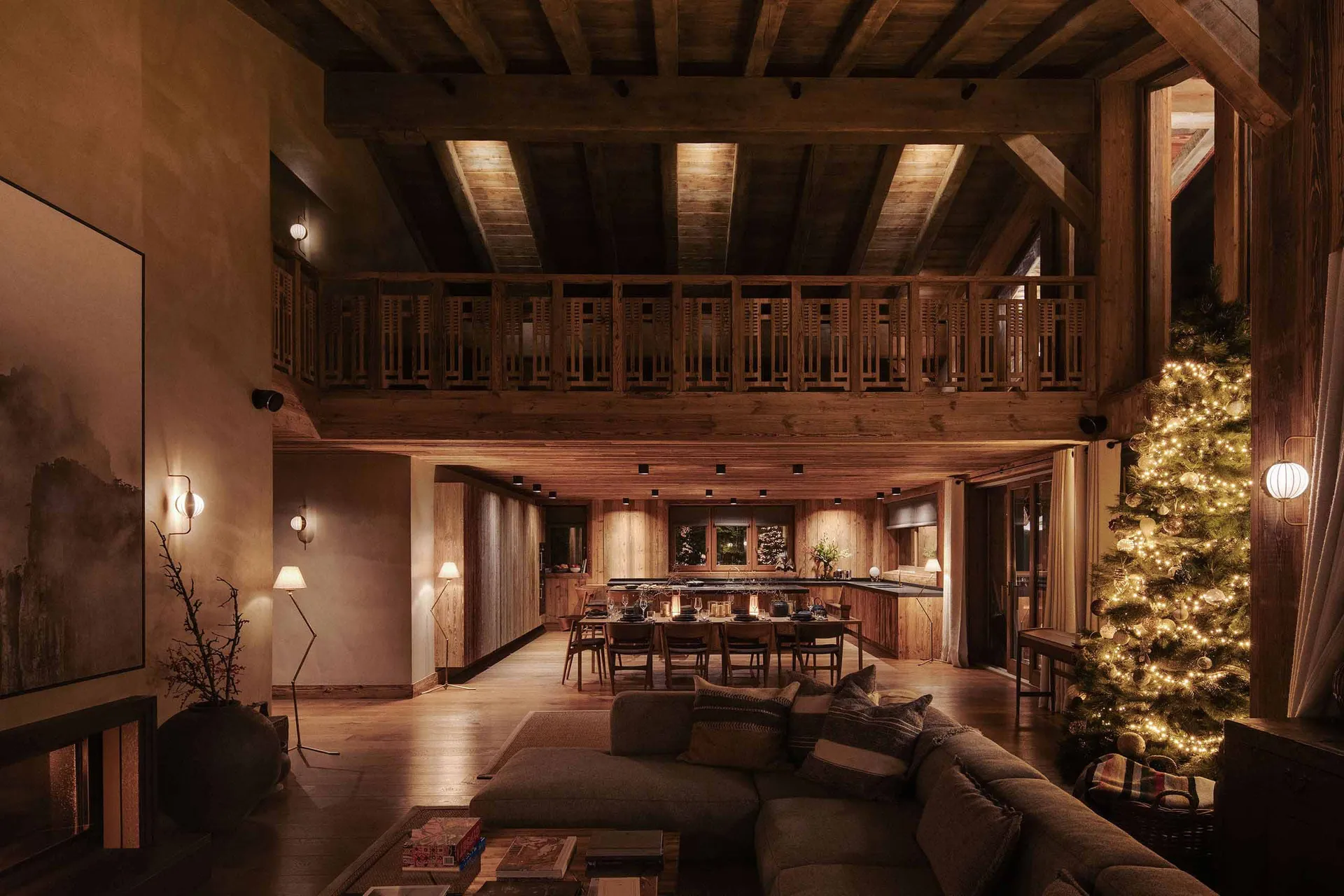 01
Warm wood, quiet proportions
View Feel Design reference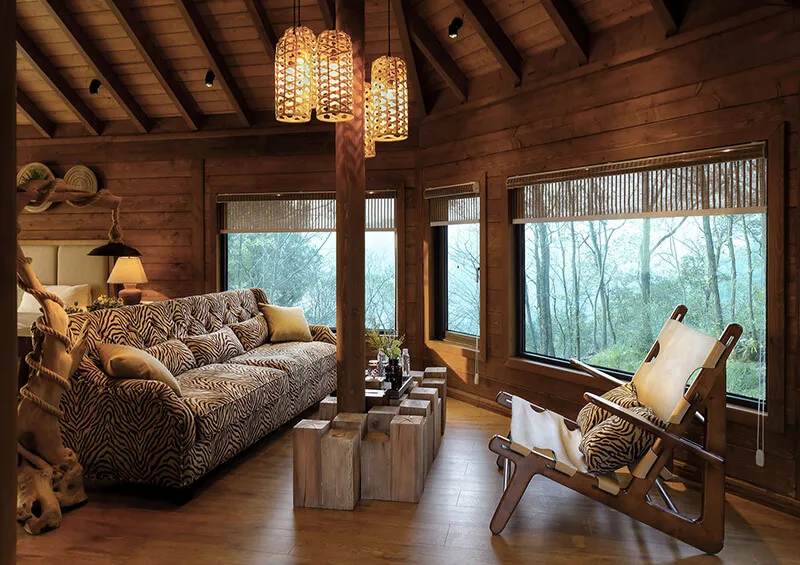 02
Texture that softens a space
View Feel Design reference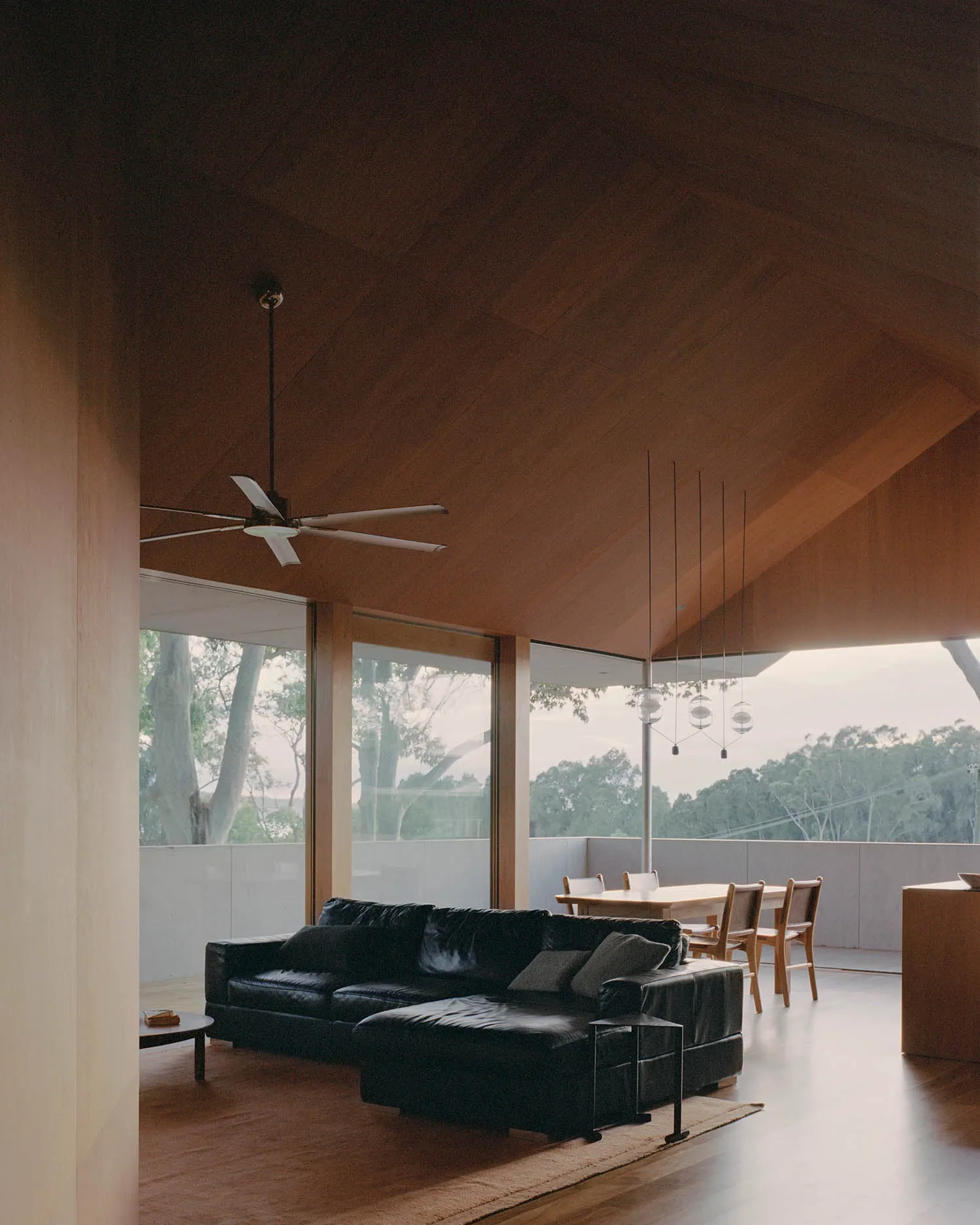 03
A frame for the outdoors
View Feel Design referenceTHREE WAYS TO LOOK CLOSER
Find it. Look closer. Follow the idea.
Start with the space in mind
Describe a room, style, color or material in English or Chinese. Let your assistant find real references to ground the conversation.
search_imagesKeep the details in focus
Inspect previews, descriptions and project links. Move from the overall atmosphere to the detail, with a source you can return to.
get_imageLet one reference lead to another
Find visually similar spaces from a reference you already like. Compare different ways of using related materials, composition and light.
find_similar_images
MORE CONTEXT. YOUR OWN POINT OF VIEW.
References open the door.
Your eye takes it further.
Research a proposal, compare the feeling of a room, or untangle a material decision. Feel Design brings the references, your assistant helps make sense of them, and you decide what comes next.
MAKE THE CONNECTION
The tools you know.
A new source of ideas.
Add Feel Design to a remote MCP client and authorize access in your browser. For clients that need manual setup, create a personal key in Connections.
Open connection guide & settingsclaude mcp add --transport http feel-design https://www.feeldesign.ai/api/mcpAuthorize with your Feel Design account. Features and search allowance follow your plan.
A LITTLE MORE CONTEXT
A few good questions.
What can Feel Design MCP do?
It lets compatible AI tools search the public Feel Design library, inspect image and project details, and find visually similar references. Results include images and source links.
How is this different from searching the website?
The website is for browsing yourself. MCP brings the references into your AI conversation, so your assistant can compare visual cues and keep source links alongside your research or proposal.
Which plan do I need?
MCP access is included in eligible paid plans. Starter, Creator and Pro Lifetime have monthly search allowances. Connections shows your eligibility and remaining usage. You can still browse the public website for free.
Will it expose my private moodboards?
Search tools return readable references from the public catalog. They do not add your private moodboards or private originals to search results.
Can I download originals or use images commercially?
MCP provides public reference previews and source information. Original downloads and commercial use remain subject to the website’s existing permissions and the work’s license.
Can a photo tell me exact dimensions or a construction budget?
Use references to study materials, colors, daylight and visual layout. An AI’s estimate is not a substitute for a site measurement, structural assessment or quote.
YOUR NEXT IDEA STARTS SOMEWHERE