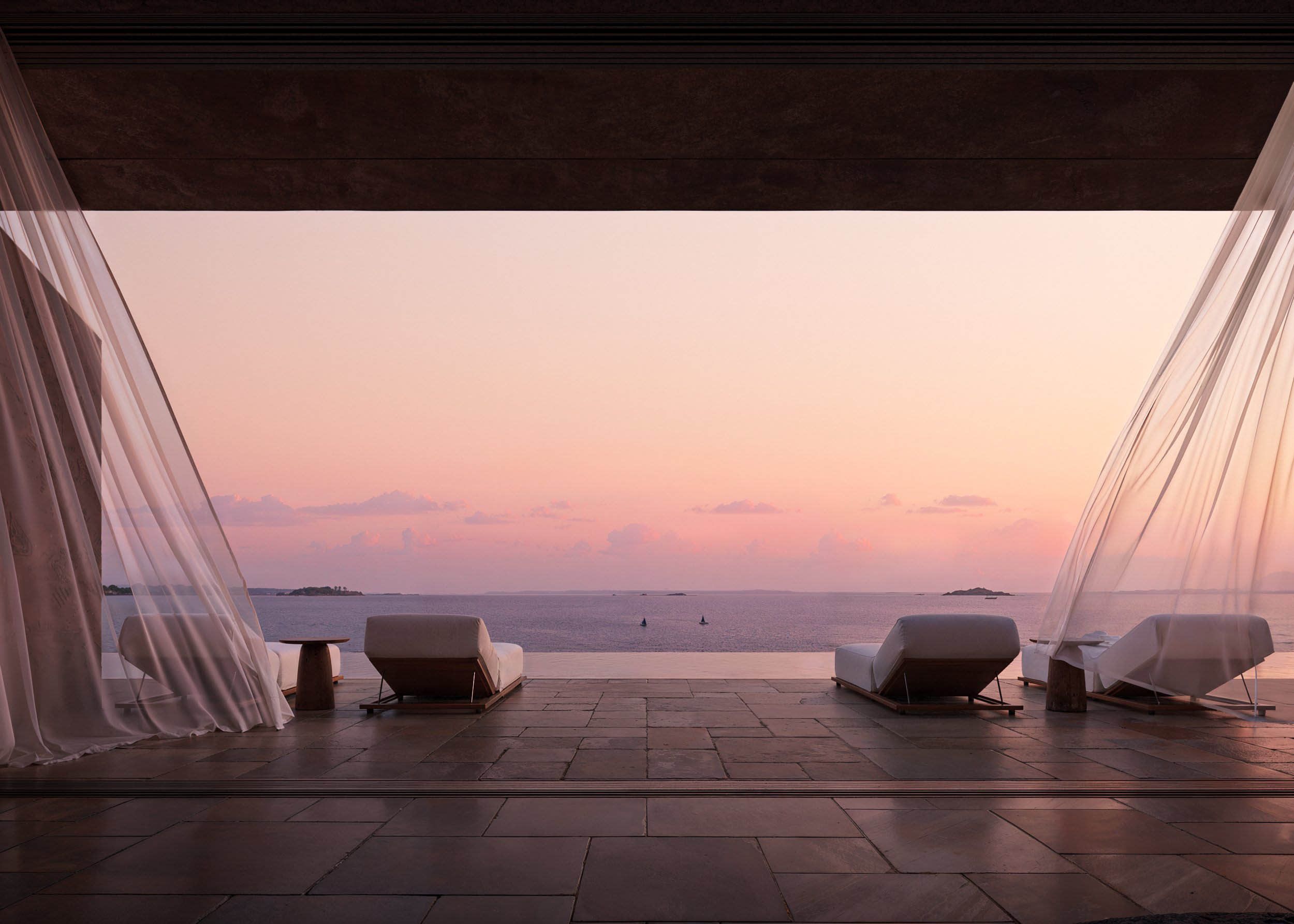
LIGHTING TOOL — Transform Your Space Instantly
Transform your space instantly with the LIGHTING TOOL in Feel Design.ai—apply stunning lighting moods in seconds with no complex steps.
Overview
The LIGHTING TOOL in Feel Design.ai is designed to make lighting transformation effortless, fast, and intuitive. Whether you're refining a design concept or simply exploring different moods, this feature lets you adjust the ambiance of any space in seconds—without complex steps or technical knowledge.
Why the LIGHTING TOOL Stands Out
Lighting plays a crucial role in how a space feels. Instead of manually adjusting multiple elements, this tool simplifies the entire process into a few clicks—giving you instant visual results.
No complicated setup
No design expertise required
Real-time mood transformation
Clean, intuitive workflow
It’s built for speed and creativity—so you can focus on inspiration rather than process.
How It Works (Step-by-Step)
Follow these simple steps to transform your space:
Upload Your Image
Start by uploading a photo of your room or space.Select the Image
Click on your uploaded image to begin editing.Click “Render”
Initiate the transformation process.Tap “Lighting”
Access the lighting adjustment feature.Choose a Mood Preset
Select from a range of ready-made lighting moods:Daylight Bright
Warm Evening
Cool Modern
Dramatic Moody
Night Scene
Soft Morning
Adjust Temperature (Cool or Warm)
Fine-tune the lighting tone to match your desired atmosphere.Click “Apply”
Instantly see your transformed space.
VIDEO TUTORIAL:
Designed for Instant Impact
The LIGHTING TOOL isn’t just about convenience—it’s about unlocking possibilities. With just a few clicks, you can:
Turn a neutral room into a cozy evening retreat
Visualize how natural daylight changes your interiors
Experiment with bold, dramatic lighting styles
Instantly compare different moods without redesigning the space
No waiting. No guesswork. Just immediate, high-quality results.
Create Mood, Tell a Story
Lighting shapes emotion. With this tool, every space becomes a canvas where you can explore different atmospheres—bright and energizing, soft and calming, or dark and cinematic.
The LIGHTING TOOL in Feel Design.ai redefines how you experience space design. By removing complexity and focusing on speed and creativity, it empowers you to transform any environment effortlessly.
In just a few clicks, you don’t just change lighting—you change the entire mood of a space.
F.A.Q.
What is the LIGHTING TOOL in Feel Design.ai?
The LIGHTING TOOL in Feel Design.ai is an AI-powered feature that allows users to instantly change the lighting and mood of a space by applying preset lighting styles to an uploaded image.
How do I use the LIGHTING TOOL?
Upload your image, click on it, select 'Render', tap 'Lighting', choose a lighting mood preset, adjust the temperature to cool or warm, and click 'Apply' to see the result.
What lighting presets are available?
Available presets include Daylight Bright, Warm Evening, Cool Modern, Dramatic Moody, Night Scene, and Soft Morning.
Can I adjust the lighting temperature?
Yes, you can fine-tune the lighting by adjusting it to be cooler or warmer before applying the changes.
Do I need design experience to use this tool?
No, the LIGHTING TOOL is designed to be simple and intuitive, requiring no prior design experience.
How fast are the results generated?
Results are generated in seconds after applying the selected lighting preset.